What an agent harness is (and when not to use one): deepagents vs LangGraph
What an agent harness is, what deepagents adds on top of create_agent and LangGraph, its four layers (environment, context, delegation, steering), and the table for deciding when to drop down to LangGraph.
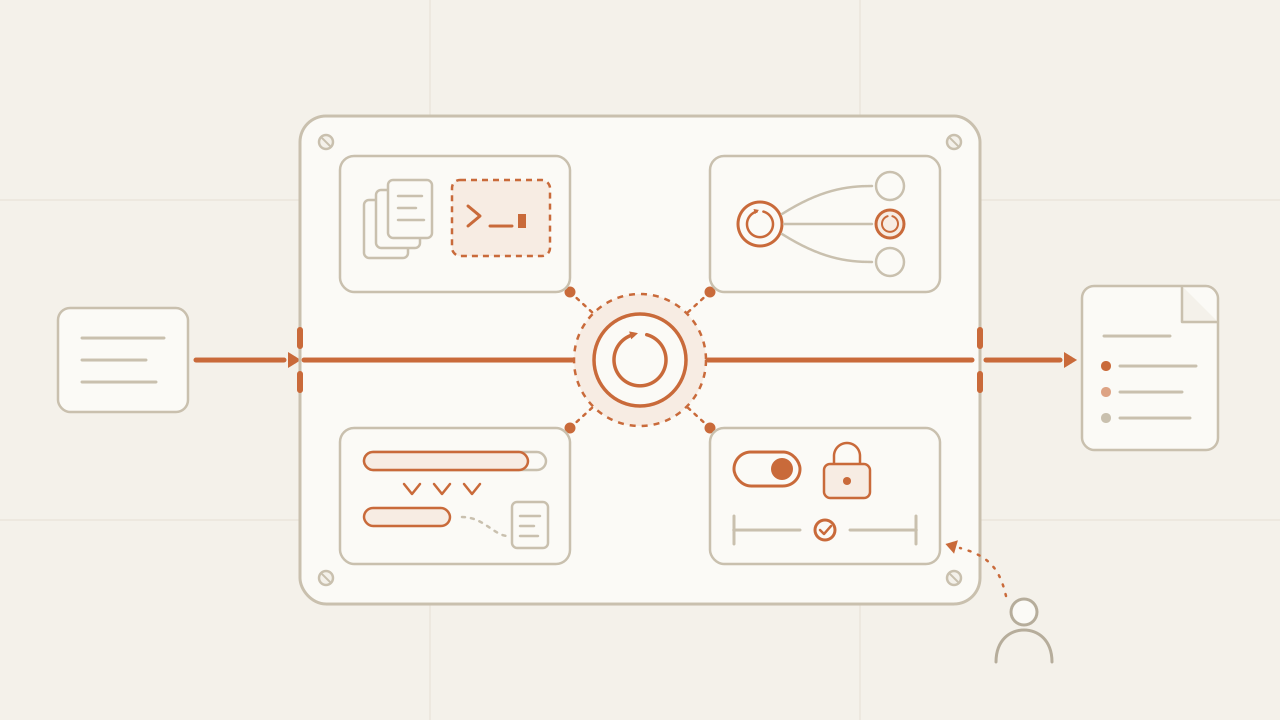
An agent harness is everything that surrounds the model to turn it into an agent: the loop that calls it over and over, the tools it executes, the space where it works, the management of its context, and the controls that put limits on it. The model supplies the judgment; the harness supplies everything else. This series builds a website auditor with deepagents, LangChain’s open-source harness, one layer per post. This first one sets the vocabulary: what a harness is, how LangGraph, create_agent, and deepagents differ, which four layers deepagents adds, and, if you are already deciding, when a harness is overkill and you should drop down to LangGraph.
TL;DR
- Agent = model + harness. The harness is all the code that isn't the model: loop, tools, filesystem, sandbox, context summarization, subagents, and approvals. deepagents is a pre-assembled harness; LangGraph is the runtime it runs on.
- They are three levels of the same stack: LangGraph (you draw the graph),
create_agent(a tool loop with middleware), and deepagents (that loop plus four layers: execution environment, context management, delegation, and steering). - Use the harness when the task is open-ended and the model has to decide the next step. Drop down to LangGraph when you decide the order of the steps, you need typed state, or every transition has to be explicit.
In this article:
- Fundamentals — What an agent harness is · Three levels of the same stack
- The anatomy — The four layers of deepagents · deepagents was born imitating Claude Code
- The project — The auditor we build in the series · When not to use a harness
What an agent harness is
On its own, a language model receives an input and generates an output. Executing commands, accessing files, keeping state between steps, or deciding when a task is finished requires infrastructure around the model, and that infrastructure is called the harness. LangChain defines it this way: “a harness is every piece of code, configuration, and execution logic that isn’t the model itself”, and sums it up in an equation worth memorizing: agent = model + harness.
The smallest piece of the harness is the agent loop: the while that calls the model, executes the action it chose, and hands the result back. The harness is that loop plus everything that got added around it so it can hold up under long tasks: a place to read and write files, a way to run code without putting the main process at risk, a mechanism that keeps the context from overflowing, a way to split work across several agents, and controls so a human can step in.
                       ┌──────────────── harness ────────────────┐
                       │                                         │
  goal ──────────────► │  loop ─► tools ─► filesystem ─► sandbox │
                       │    │                                    │
                       │    ▼                                    │
                       │  model  (picks the next action)         │
                       │    │                                    │
                       │  context ─► subagents ─► approvals      │
                       │                                         │
                       └────────────────────┬────────────────────┘
                                            ▼
                                         result
The agent’s quality depends on the model, but in production many of the hardest problems—a context that fills up, a tool that writes where it shouldn’t, a subagent that doesn’t return what it was asked for—come not from the model but from the harness. That is why it pays to treat it as a piece of engineering in its own right and not as “model configuration”.
LangGraph, create_agent, and deepagents: three levels of the same stack
LangChain offers three ways to build an agent, and the three are stacked: each one is implemented on top of the previous one. Choosing the level is the first design decision.
┌───────────────────────────────────────────────────────────────┐
│  deepagents          opinionated harness: filesystem,          │
│  create_deep_agent   subagents, summarization, permissions,    │
│                      HITL, skills                              │
├───────────────────────────────────────────────────────────────┤
│  create_agent        tool loop + middleware                    │
│                      (before_model, after_model, wrap_tool_call)│
├───────────────────────────────────────────────────────────────┤
│  LangGraph           runtime: state graph, checkpoints,        │
│  StateGraph          streaming, interrupts                     │
└───────────────────────────────────────────────────────────────┘
LangGraph is the lowest level. You define a state graph: nodes that are functions, edges that say which node comes next, and a typed state that flows between them. LangGraph supplies the runtime: durable execution with checkpoints, event streaming, and interrupts so a human can step in. It has no opinion about what an agent should look like; you can draw a loop, a linear pipeline, or a state machine with twenty branches.
create_agent is the middle level: an agent’s loop already written on top of LangGraph. You give it a model, a list of tools, and a system prompt, and you get a compiled graph that calls the model, executes the tools it asks for, and repeats until the model answers without asking for more. The extension point is middleware: functions that hook in before the model is called, after its response, or around each tool. Retries, limits, approvals, or context summaries are implemented there without touching the loop.
from langchain.agents import create_agent

agent = create_agent(
    model="anthropic:claude-sonnet-4-6",
    tools=[fetch_page],
    system_prompt="You are a technical website auditor.",
)
deepagents is the highest level: create_agent with a middleware stack already decided and a long system prompt that teaches the model how to use it. The minimal call looks a lot like the previous one; the difference is what the agent ships with: filesystem tools, a task tool for delegating to subagents, automatic context summarization, and prompt caching for the providers that support it.
from deepagents import create_deep_agent

agent = create_deep_agent(
    model="anthropic:claude-sonnet-4-6",
    tools=[fetch_page],
    system_prompt="You are a technical website auditor.",
)

result = agent.invoke({"messages": [{"role": "user", "content": "Audit https://example.com"}]})
print(result["messages"][-1].content)
All three levels return the same kind of object, a compiled LangGraph graph, so a deep agent is invoked, streamed, and embedded as a node of a larger graph just like any other.
| Level | What you write | What you get | When it fits |
|---|---|---|---|
| LangGraph | The nodes, the edges, and the state | Durable runtime, checkpoints, streaming, interrupts | You decide the order of the steps |
create_agent | Model, tools, system prompt, middleware | The tool loop already solved and extensible | Open-ended task, context that fits in one conversation |
| deepagents | Model, tools, system prompt | The loop plus filesystem, subagents, summarization, permissions, HITL, skills | Long, open-ended task with files and many steps |
The four layers deepagents adds on top of the loop
The deepagents documentation groups what it adds on top of create_agent into three areas: context management, delegation, and steering. I split out a fourth, the execution environment, because it concentrates more design decisions than the other three and takes up more posts in the series.
1. Execution environment. This is where the agent works. deepagents gives it a virtual filesystem with the tools ls, read_file, write_file, edit_file, glob, and grep, served by a backend you choose: in memory inside the graph state (the default), the local disk, LangGraph’s persistent store, or a composition of several by path. If the backend is a sandbox, an execute tool also appears for running isolated commands.
2. Context management. An agent that reads entire web pages fills its context in a few turns. deepagents includes a summarization middleware that compacts the conversation when it crosses a threshold, and another that marks the stable blocks of the prompt so the provider can cache them. Combined with the filesystem, the pattern is always the same: anything bulky gets written to a file, a reference stays in the context, and the agent re-reads only what it needs.
3. Delegation. The task tool lets the main agent launch a subagent with a clean context, give it an instruction, and receive only the result. The subagent can read fifty files without the main agent seeing them, and independent work can run in parallel. You can define your own subagents with their model, their tools, and their prompt.
4. Steering. Everything that directs and limits the agent from the outside: the system prompt, human approvals before certain tools run (interrupt_on), path-level permissions on the filesystem, skills loaded on demand, and persistent memory in AGENTS.md files. It is the layer that lets you give the agent more autonomy without giving up control.
| Layer | Mechanism in deepagents | What the model sees | Post in the series |
|---|---|---|---|
| Execution environment | FilesystemMiddleware, backends, sandbox | ls, read_file, write_file, edit_file, glob, grep, execute | 3, 5, 6, 7 |
| Context management | SummarizationMiddleware, prompt caching, offloading to files | Nothing new: the context simply doesn’t overflow | 8 |
| Delegation | SubAgentMiddleware, custom subagents | task | 10 |
| Steering | system prompt, interrupt_on, permissions, skills, memory | Instructions, approval pauses, rejected writes | 4, 6, 9 |
Nothing in the table is impossible to write by hand as middleware on create_agent or as LangGraph nodes. What deepagents brings is that it is already done, that the pieces know about each other, and that the default system prompt explains to the model how to use them.
deepagents was born imitating Claude Code
The deepagents README says it on the first screen: the project is “inspired by Claude Code: an attempt to identify what makes it general-purpose, and push that further”. The first versions identified four things: a planning tool (the todo list), subagents, a filesystem, and a detailed system prompt that teaches the model to use the other three. The four layers in the previous section are the mature version of that list.
When I spend a whole day working with Claude Code, almost everything it does goes through a handful of tools: read, write, edit, search, execute, and delegate. The model changes version every few months; those tools stay. That is what deepagents tries to capture: the harness is the stable part, the model is the interchangeable piece.
That origin tells you what shape of problem the harness is designed for: long research, document generation, audits, tasks on a repository.
The series project: a website auditor
The ten parts of the series build the same agent: a technical website auditor that reviews classic SEO and GEO (generative engine optimization: what an AI crawler can read and cite from your site). It is a didactic example I build over the course of the series, not a product; there is no public repo or client behind it, and the domains in the examples are always example.com.
The definition, fixed here so it doesn’t change later:
WEBSITE AUDITOR — scope for the series

Input       a root URL and a cap on the number of pages to review
Output      a markdown report written to /reports/<domain>.md
            with findings, severity, and one recommendation per finding

Reviews     SEO    title, meta description, heading hierarchy,
                   canonical, robots.txt, sitemap, structured data
            GEO    llms.txt, a markdown version of each page,
                   how clearly an AI crawler can read the content,
                   direct answers to the topic's questions

Can         read pages on the domain, save each page as a file,
            run analysis scripts in a sandbox, delegate a page
            or a dimension to a subagent

Cannot      write outside /reports, leave the domain without approval,
            modify the audited site
I chose this project because every layer of the harness shows up with a concrete reason. HTML pages are large, so the context overflows unless they are offloaded to files. Pages are independent, so delegation makes sense. The agent writes, so permissions matter. Some checks need to run code, so a sandbox is required. And the GEO criteria change over time, so they are better stored as a skill than pinned in the system prompt. The order of the posts follows the order in which such an agent grows, from a model with tools to parallel subagents with traces; the full list is on the series page.
When not to use a harness: the table for dropping down to LangGraph
An opinionated harness saves a lot of work when the problem has the shape it was designed for, and multiplies it when it doesn’t. The deciding question is the same one from the previous series: who decides the next step? If the model decides it on every turn, a harness fits. If you decide it before running, what you want is a graph.
| Signal in your problem | With deepagents | Better to drop down to |
|---|---|---|
| The steps are fixed and known (extract, classify, publish) | The model has to “discover” an order you already knew | LangGraph, or an agent-free workflow |
| You need to guarantee the order: human approval before A, A before B, never B without A | You depend on the prompt convincing the model | LangGraph: the edge guarantees it |
| The state is a typed object with many fields, not a conversation | Everything goes through messages and files | LangGraph with your own state_schema |
| Every turn costs and the task is short (one classification, one extraction) | You pay for the harness’s system prompt and tools on every call | create_agent or a direct call to the model |
| Your tools don’t look like files or commands (a payments API, a queue) | The virtual filesystem adds nothing and takes up prompt space | create_agent with your tools |
| You need to see every transition in the traces and reproduce it | The harness’s loop is a single node that repeats | LangGraph: one node per step |
| Several agents with a defined handoff protocol | The model picks whom to delegate to and when | LangGraph with subgraphs and explicit edges |
| You have to meet a latency SLA per response | The number of loop turns is not predictable | LangGraph with a step cap, or a workflow |
Two caveats. “Dropping down” is almost never a rewrite: since a deep agent is a compiled graph, the usual shape is a deterministic LangGraph graph with the deep agent living inside as the node that solves the open-ended part. The auditor will take that shape in the last post: a graph that fixes the order (discover pages, audit, consolidate) and deep agents in the nodes that require judgment. And the rows about cost and latency don’t rule out the harness for long tasks, only for short ones: a system prompt of several thousand tokens and half a dozen tools pay for themselves in a thirty-turn audit and are wasted in a one-turn classification. If in doubt, count the turns of a typical run; below three or four, the harness is almost always overkill.
Frequently asked questions
Is an agent harness the same as an agent framework?
Not quite. A framework gives you pieces to build an agent (LangGraph is a framework). A harness is an agent already assembled from those pieces, with opinions about how it should work: which tools it has, how it manages context, how it delegates. deepagents is a harness built with LangGraph; Claude Code is a harness built on Anthropic’s models.
Do I need to know LangGraph to use deepagents?
To get started, no: create_deep_agent takes a model, tools, and a prompt, and returns something you invoke with a list of messages. To debug, it helps: the object it returns is a LangGraph graph, threads and checkpointers are LangGraph concepts, and the interrupts for human approval use its mechanism.
Does deepagents only work with Anthropic models?
No. The model is passed as a provider:model string or as an initialized instance, and it works with any provider LangChain supports, including open-weight models served locally. The only provider-specific piece is the prompt caching middleware, which only acts with providers that support it. The second post runs the same auditor with a frontier model and with an open-weight one to see where the behavior changes.
Does a harness replace an agent’s hard limits?
No. The harness gives you mechanisms (approvals, path-level permissions, sandbox), but caps on iterations, time, and cost are still your responsibility, and they belong outside the agent, in the process that invokes it. The previous series covers this in the hard limits of an autonomous agent; everything it says applies the same with deepagents.
Conclusion
An agent is a model plus a harness, and the harness is the part you design: the environment it works in, how its context is managed, whom it delegates to, and how you steer it. LangChain offers it in three stacked levels. If the model has to decide the next step in a long task with files, start with deepagents. If you decide the order, the state is typed, or every transition has to be explicit, drop down to LangGraph and put the deep agent in as a node wherever judgment is required.
To get going: define your agent’s scope on a sheet like the auditor’s (input, output, what it reviews, what it can and cannot do), run your problem through the signals table, and only then pick the level. The next post builds the auditor’s first deep agent with create_deep_agent, runs it with a frontier model and with an open-weight one, and looks at where they diverge.
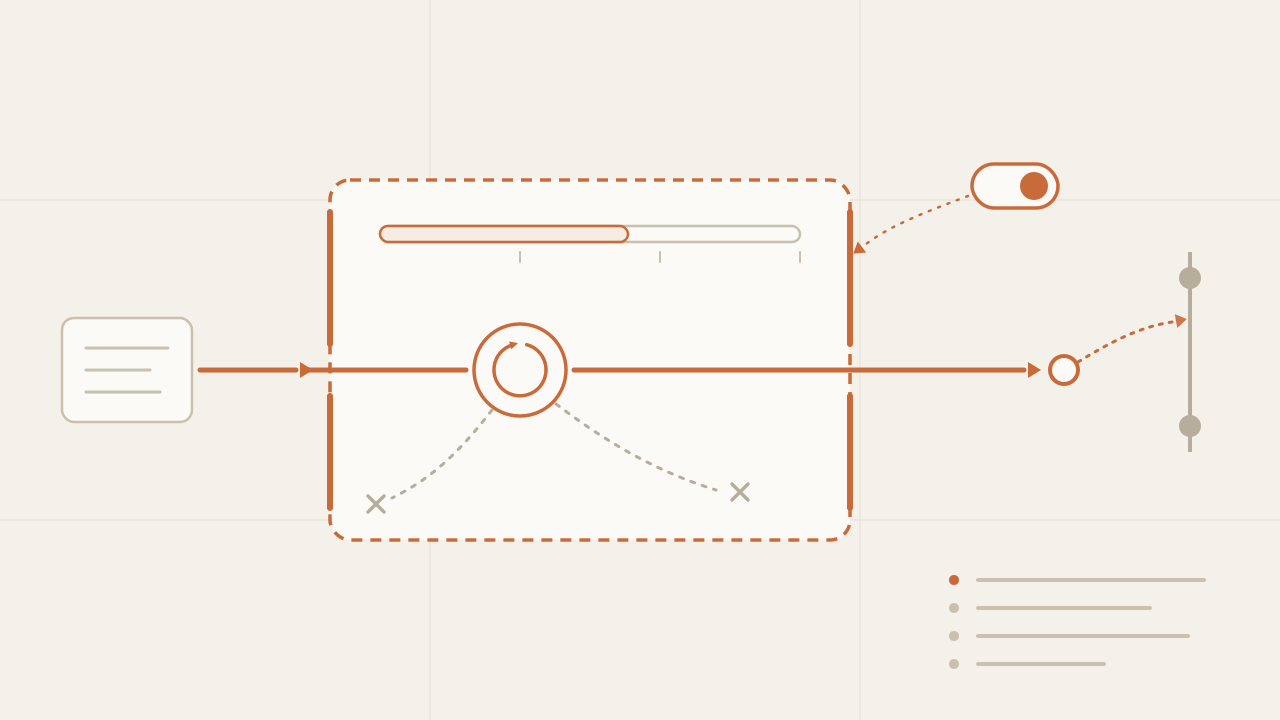
The hard limits of an autonomous agent: what keeps it from disaster
The limits that separate an experiment from an agent you'd leave running: iteration and token caps treated as a budget, command and path allowlists, a kill switch, idempotency and observability.
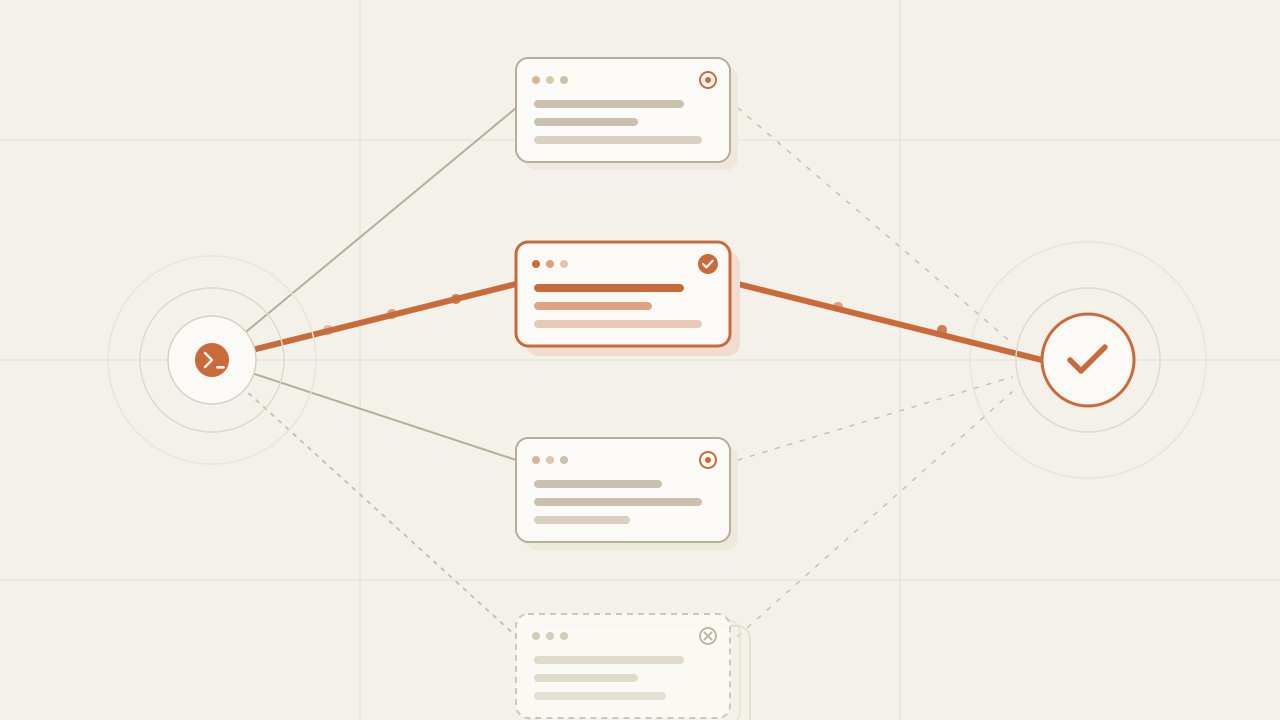
Orca: the ADE for orchestrating a fleet of coding agents in parallel
I tried Orca, the open-source Agent Development Environment (ADE), to run a fleet of coding agents in parallel—Claude Code, Codex and more, each in its own isolated worktree.
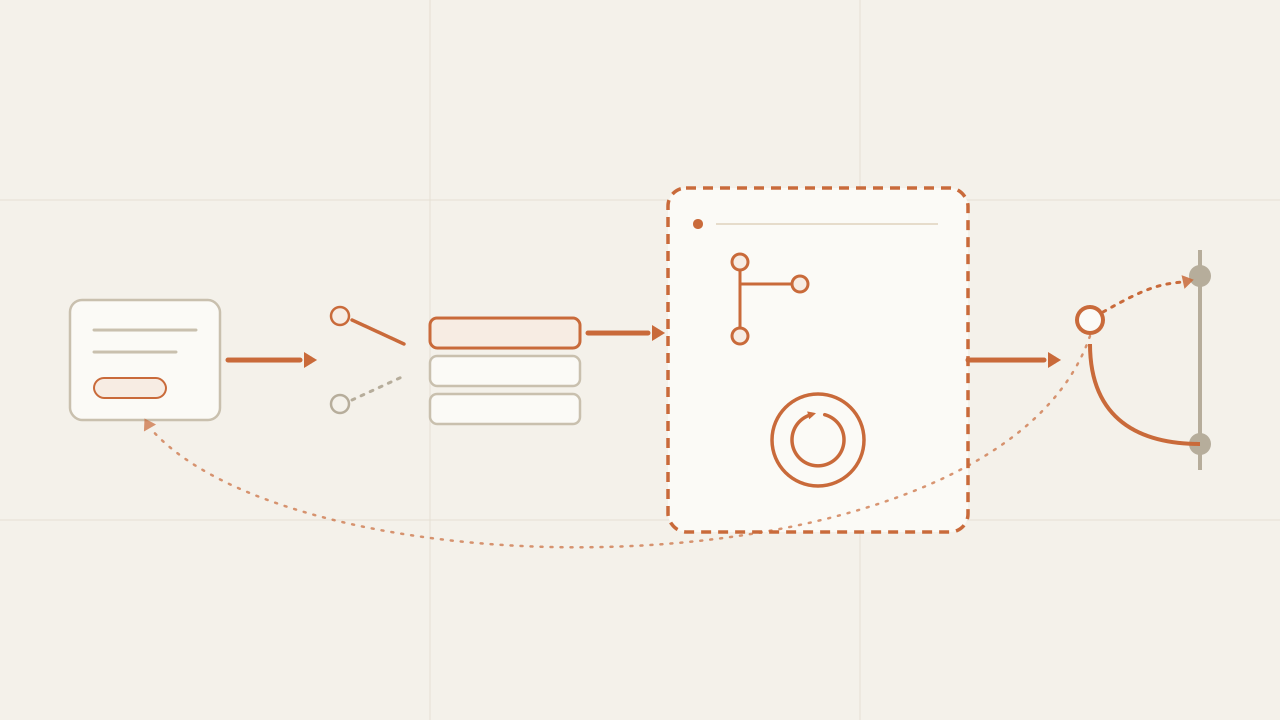
From a Jira ticket to a pull request: the end-to-end autonomous system
How I turned the agent into an autonomous system: a Jira ticket triggers it (webhook or polling), a queue with persistent state processes it exactly once, and it returns a PR and a Jira comment.
